Grab in Bangkok: How to Use It & When to Skip It
Plan grab in bangkok: ride types, how to book, what affects fares, airport pickup, and when BTS, MRT, boat or a taxi is the smarter choice.
On this page
Last updated November 2026: grab in Bangkok gives you a car or motorbike taxi with the fare shown before you commit. We'd use it for door-to-door trips, heavy bags and wet evenings, and skip it when rail is faster. Our wider Bangkok transport overview covers every other option.
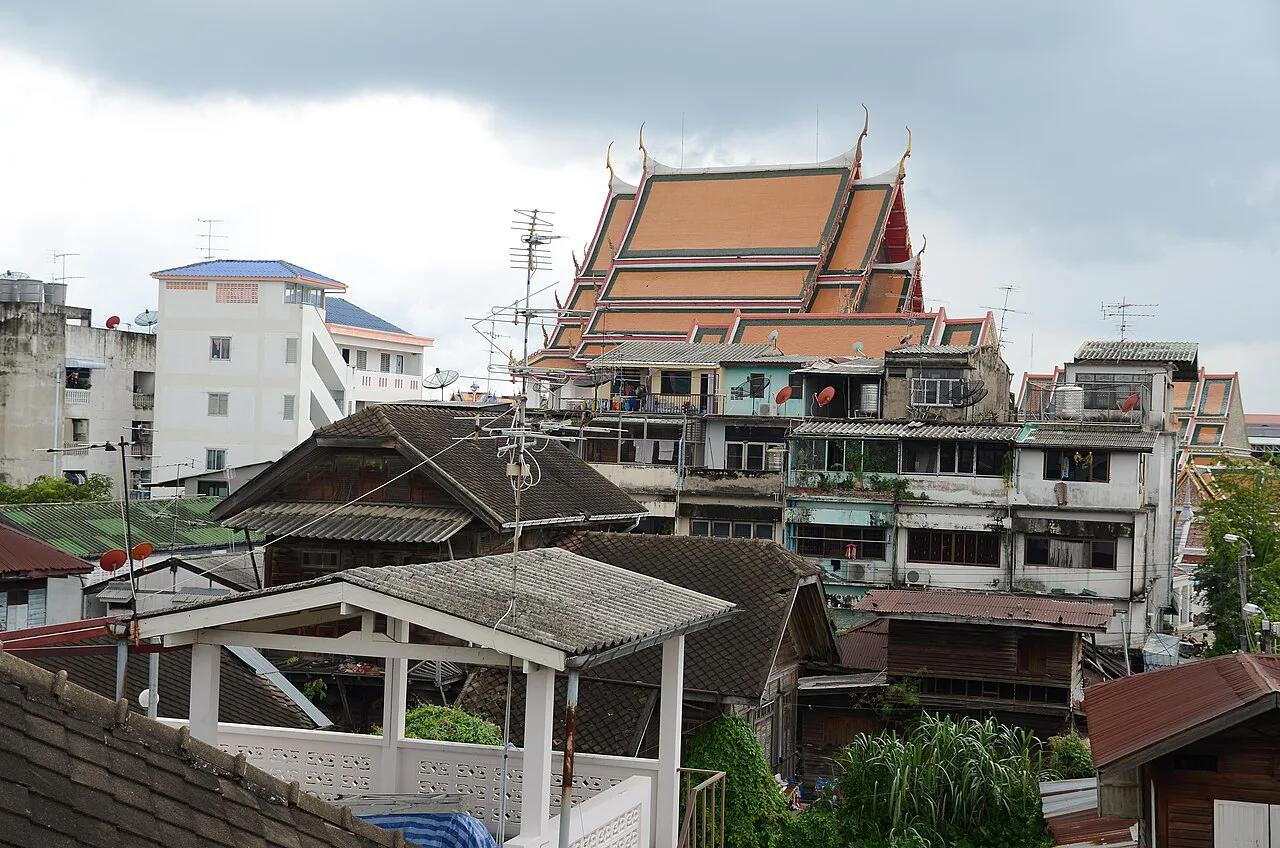
Featured image: Ilya Plekhanov, CC BY-SA 4.0, via Wikimedia Commons.
Is Grab worth using in Bangkok?
Grab suits Bangkok when you want a car at your door, an upfront fare and no haggling. Road traffic can cancel that comfort at rush hour. Rail is the calmer choice on any trip that follows a BTS or MRT line. Use the two lists below as a quick filter.
- Use Grab for: late-night returns, hotel runs with suitcases, rain, and trips to places far from a station.
- Use Grab for: the last stretch from a rail station to a mall, condo or office that sits off the line.
- Skip Grab for: peak-hour trips along a single rail corridor, where a fixed timetable beats gridlock.
- Skip Grab for: short river-side hops where an express boat avoids road traffic altogether.
Which Grab ride type should you pick?
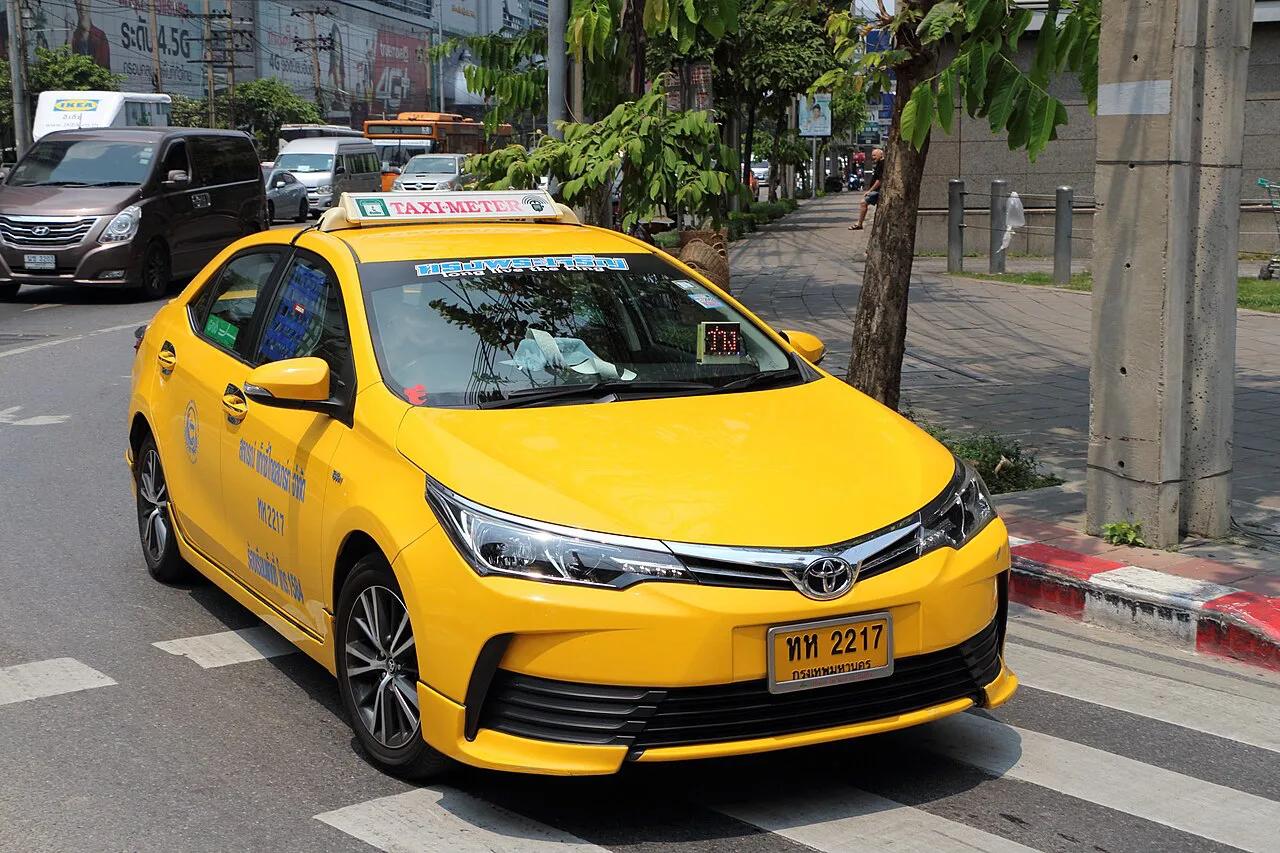
Four options matter for visitors. JustGrab searches cars and taxis together and shows a fixed fare upfront. GrabTaxi books a licensed metered taxi, with a booking fee added. GrabBike is a motorbike taxi with a helmet, so small bags only. Rent hires a driver by the hour, starting at ฿500 for 2 hours according to Grab Thailand. Our pick for most first-timers is JustGrab, because the price will not move once you confirm.
| Ride type | Best for | Price behavior | Main risk |
|---|---|---|---|
| JustGrab | Most trips, first-time users | Fixed fare shown before booking | Surge in rain and rush hour |
| GrabTaxi | Short trips in light traffic | Meter plus a booking fee | Final fare moves with traffic |
| GrabBike | Solo traveler, gridlock, small bag | Usually lower than a car | No room for luggage |
| Rent | Multi-stop day within the city | Hourly package, fixed upfront | Tolls and parking are extra |
How to set up and book Grab in Bangkok
Booking in the app takes seven steps. Download Grab from your app store and set the country to Thailand. A Thai SIM or local number helps with verification codes and driver calls. You can pay with cash, a linked card or GrabPay. Your bank may add a foreign transaction fee on card rides, so ask it before you travel. Confirm the payment method before booking, since switching afterward is not always possible.
- Open Grab and switch on location services.
- Tap Transport on the home screen.
- Check the pickup pin and drag it to the exact gate or entrance.
- Enter your destination and compare the ride types.
- Check the fare and the payment method.
- Confirm, then match the driver's name, plate and photo to the car.
- Pay if you chose cash, then rate the trip.
What affects Grab fares in Bangkok
Fares depend on ride type, traffic, demand and tolls, so we won't quote a route price that may be stale. Check the in-app quote before you confirm, and read current terms on Grab Thailand's official pages.
Grab vs BTS, MRT, boat, tuk-tuk and metered taxi
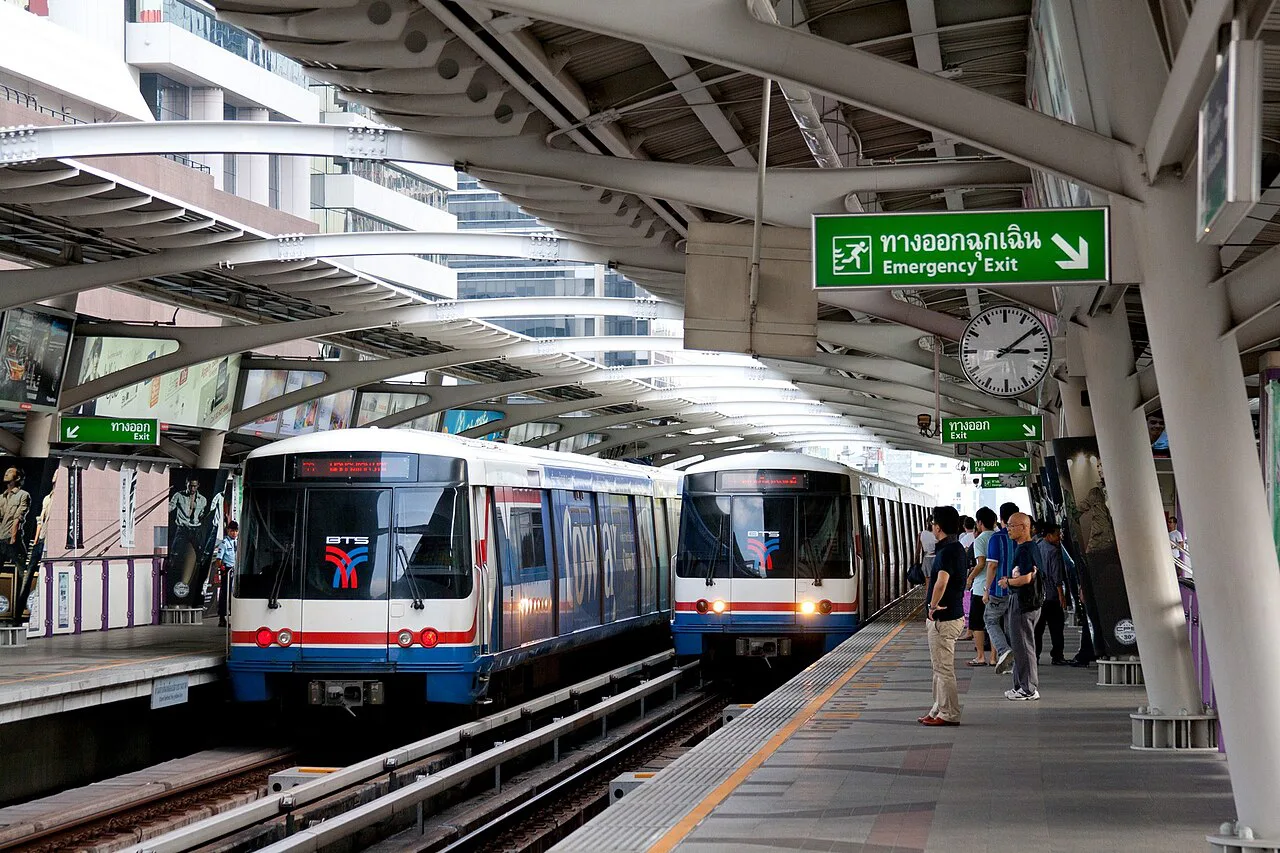
Match the tool to the trip. Rail wins when your start and end sit near stations. See our guide to BTS Skytrain routes for corridors. Underground lines are covered in the MRT subway guide. Riverside sights can be quicker by water, and the Chao Phraya Express Boat Guide: Flags, Piers, Fares avoids road traffic. For a short, scenic hop, a tuk-tuk ride works, but agree the price first. A group of 6 with luggage needs 2 cars or a van, whichever mode you choose.
Packages run 2, 4, 8 and 12 hours, so size the day first. Rail is quicker between stations on one line.
| Trip | Our pick | Why |
|---|---|---|
| Along a BTS or MRT line at rush hour | Rail | Fixed schedule, no road jams |
| Station to a mall or condo off the line | Grab | Door drop-off, pin and chat |
| Hotel to river pier | Express boat or Grab | Boat skips traffic, Grab is easier with bags |
| Short hop in light traffic | Metered taxi or GrabTaxi | Meter can beat a fixed quote |
| Heavy rain | Grab or wait it out | Demand rises, so check the quote |
| Quick sightseeing hop | Tuk-tuk | Open air, negotiate before boarding |
Airport pickups and luggage
Bangkok has two airports with their own operator sites. See Suvarnabhumi Airport's official site for arrivals information. Don Mueang publishes its own details on its official airport site. Pickup points are set by the airport, so follow the signs and check the in-app pin. Cars carry limited passengers, so a party of 6 with suitcases needs 2 cars or a pre-booked van. For route options, read our airport to city guide.
Up to 4 passengers fit in one vehicle, so a party of 6 with bags will need two rides from the airport.
Grab Rent: an hourly driver for city day plans
Rent suits a day with several stops inside one city. Packages run 2, 4, 8 and 12 hours, starting at ฿500 for 2 hours. Up to 4 passengers fit in one vehicle. Fares include fuel and driver but exclude tolls and parking. You can travel anywhere within the pickup city. Overtime costs ฿5 per minute if the driver agrees. Drivers are not trained guides, and English is not guaranteed, so plan your route before you go. Both cash and cashless payment are accepted.
Common problems and fixes
Most trouble comes from the pin, the payment method or a cancelled driver. Fix these first.
- Wrong pin in tall-building zones: drag the pin to a landmark such as a mall gate, then message the driver.
- Driver cancels: rebook, and report repeated cancellations through Help in the app.
- No shared language: use in-app chat and show the address on a map.
- Card rejected: switch to cash or another card before the next booking.
- Fare dispute: open Help in the app and request a review or refund.
Mistakes to avoid
Four slips cause most bad rides.
- Booking before checking the pin, which sends the driver to the wrong entrance.
- Skipping the plate and name check before you get in.
- Agreeing to pay a driver outside the app.
- Taking GrabBike with a large suitcase.
Frequently Asked Questions
Are there Grab cars in Bangkok?
Yes. JustGrab, GrabTaxi and GrabBike appear in the app, and Grab Thailand lists Rent as available in Bangkok. Check the live app for what is active at your pickup point.
How do I pay for Grab in Thailand?
Choose cash, a linked card or GrabPay in the app. Rent accepts both cash and cashless payment. Confirm the method before booking, and ask your bank about foreign card fees.
Useful notes for your Thailand trip
Optional updates to our guides.
You might also like
Continue reading
More guides you'll find useful